Download
Download AuroraWhisp
97 MB installer. No registration, no email — run it, click Install, done.
Version 0.5.29 · 97 MB installer · SHA-256: 9bd97e6b379830be734070b49225034436ffa7abc7ad60fa283312e42688cbc0
What happens in the first minute after install
- The app detects your Windows language and picks a recognition model for it.
- Downloads the model (85 MB to 320 MB) — one-time operation.
- Main window opens. Pick a hotkey (default Ctrl+Space) — or keep it.
- Tray icon appears in the bottom-right. The app is ready.
- Hold the hotkey, speak, release — text is inserted into the active window. Done.
How to install
- Download AuroraWhisp-Setup-0.5.29.exe (~97 MB).
- Run the installer. If Windows shows SmartScreen — see the block below ("unknown publisher").
- Inno Setup wizard: installer language, EULA, install folder (default: Program Files\AuroraWhisp), Start Menu, optional shortcuts.
- The app launches automatically after install. It detects your system language and picks a model that fits your hardware.
- Tray icon appears. Hold Ctrl+Space and speak.
⚠️
If Windows complains about an "unknown publisher"
That is normal. The exe is not yet signed with a code-signing certificate — not bought yet. On first launch Windows SmartScreen will show a "do not run" prompt — that is a defensive reaction, not a virus. What to do:
- Click the "More info" link at the top of the SmartScreen prompt.
- A "Run anyway" button appears — click it.
- The installer launches. Continue normally.
After the exe runs once, Windows remembers it and SmartScreen will not appear again. By 1.0 we plan to buy the certificate — and this step disappears entirely.
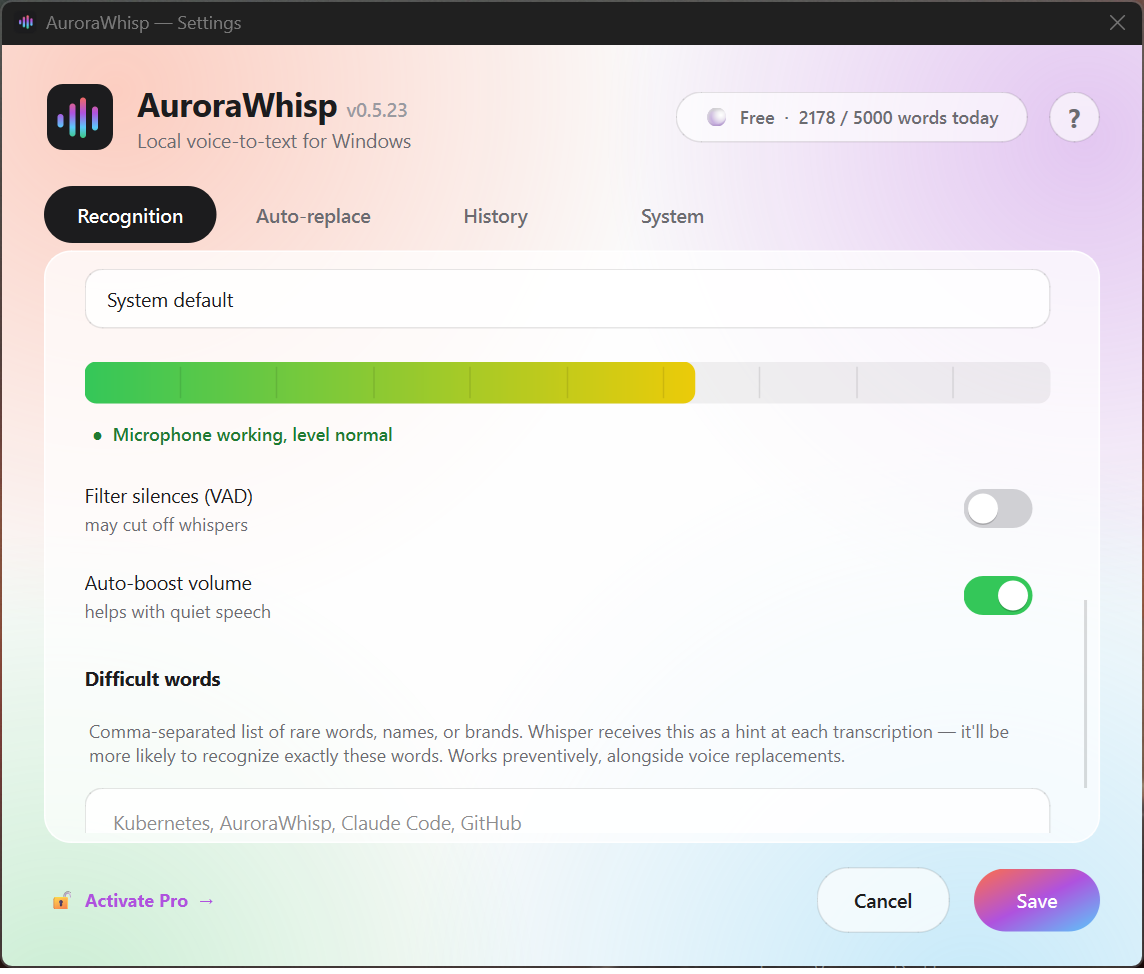
How it looks after install
System requirements
- OS
- Windows 10 (build 1809, October 2018) or Windows 11. Win 7/8/8.1 not supported.
- CPU
- x64 with AVX2 — Intel Core 4th gen "Haswell" 2013+, AMD Ryzen / FX 2017+. Minimum 2 physical cores.
- RAM
- 4 GB for light models (Whisper Tiny/Base/Small, Zipformer EN). 8 GB for Whisper Medium on CPU. 16 GB for Large-v3.
- Disk
- 220 MB program + 80–470 MB model. Heavy models up to 3 GB.
- GPU (optional)
- NVIDIA with CUDA, 6+ GB VRAM — Whisper Medium 7× speedup (RTF 0.55 → 0.08). Whisper Large-v3 needs 12+ GB. AMD Radeon / Intel Arc — CPU-only for now.
- Microphone
- Any system mic (built-in, USB, headset). Windows Audio Enhancements sometimes cut whispers — disable in device properties.
- Internet
- Only for first model download and Pro activation. After that — fully offline.
What's inside the installer
- The compiled AuroraWhisp binary and native speech-recognition libraries (Nuitka standalone + Sherpa-ONNX and Whisper runtime), installed into C:\Program Files\AuroraWhisp\
- Recognition models are downloaded separately on first launch — sized 85 MB to ~3 GB depending on the language and the quality you pick
- Microphone drivers — uses system drivers, none of our own
- No background services, no autostart without your consent
Mac/Linux versions are not on the near-term plan. If you need one — write to us via the Contact page so we can track interest.